
A Customer Relationship Management (CRM) tool is a game-changer for businesses when used effectively. Unfortunately, many businesses stumble into common pitfalls that turn their CRM from a valuable resource into a frustrating headache. Whether you’re a small business owner or managing a growing team, this guide will highlight the most common CRM mistakes and show you how to sidestep them.
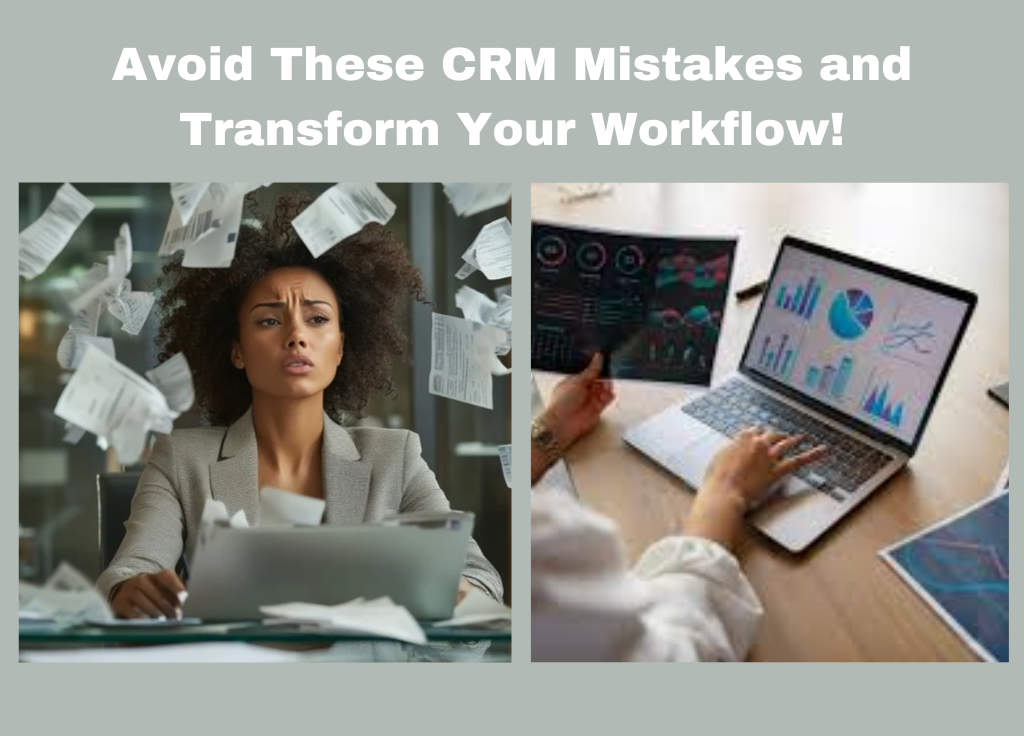
Mistake #1: Choosing the Wrong CRM for Your Needs
Not all CRMs are created equal, and selecting one that doesn’t align with your business goals can derail your progress. A CRM for a large enterprise may overwhelm a small business, while a lightweight solution might lack essential features for scaling.
How to Avoid This:
- Define your needs: Identify your top priorities lead tracking, customer communication, sales automation, etc.
- Test before committing: Use free trials to see if a CRM fits your workflow.
- Research for compatibility: Check integrations with existing tools like email, calendars, and accounting software.
Mistake #2: Not Customizing Your CRM
Using a CRM right out of the box may result in messy workflows and irrelevant fields, leading to underutilization.
How to Avoid This:
- Set up custom fields: Create fields that reflect your specific sales process or industry.
- Automate simple tasks: Set workflows for follow-ups, lead scoring, or appointment reminders.
- Adjust dashboards: Organize views based on team priorities (e.g., sales vs. marketing).
Mistake #3: Poor Data Management
A CRM is only as good as the data it contains. Duplicate records, outdated contacts, or incomplete entries can cripple your CRM’s effectiveness.
How to Avoid This:
- Clean your data regularly: Schedule routine database audits to merge duplicates and remove stale contacts.
- Standardize data entry: Set consistent naming conventions and mandatory fields.
- Leverage import tools: Use the CRM’s data import features to streamline updates.
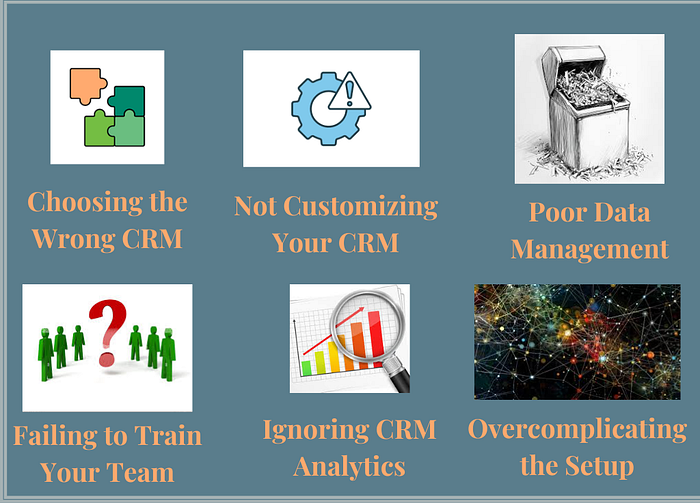
Mistake #4: Failing to Train Your Team
Even the most intuitive CRM won’t work if your team doesn’t know how to use it properly. Lack of training often leads to resistance or underutilization.
How to Avoid This:
- Organize comprehensive training: Host onboarding sessions and provide guides or video tutorials.
- Encourage feedback: Make it easy for your team to share challenges they’re experiencing.
- Assign a CRM champion: Designate someone to troubleshoot issues and mentor new users.
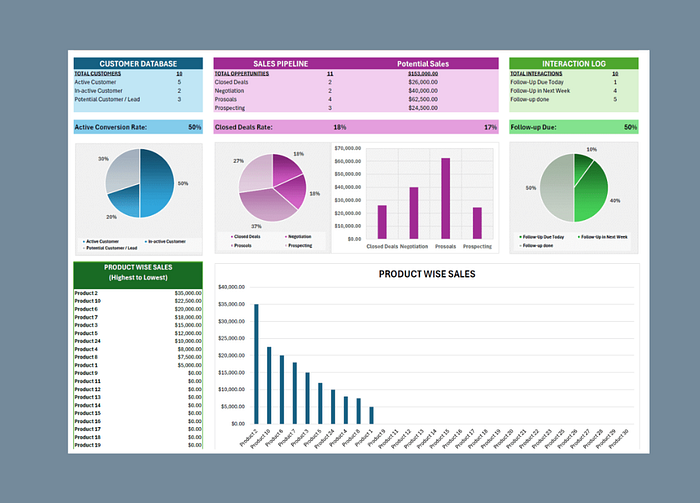
Mistake #5: Ignoring CRM Analytics
A CRM isn’t just a fancy contact list it’s a powerful tool for gathering insights. Ignoring analytics means missing opportunities to improve sales and customer engagement.
How to Avoid This:
- Monitor KPIs: Track metrics like lead conversion rates, customer retention, and sales cycle length.
- Use reports: Set up regular reporting to identify trends and areas for improvement.
- Make data actionable: Translate insights into concrete steps for your team.
Mistake #6: Overcomplicating the Setup
A complex CRM setup with too many features can overwhelm your team and hinder adoption.
How to Avoid This:
- Start simple: Focus on core features initially, such as contact management and email integration.
- Scale gradually: Introduce advanced features like automation or analytics as your team gets comfortable.
- Document workflows: Create easy-to-follow instructions for daily tasks.
Mistake #7: Not Reviewing and Adapting
Failing to review your CRM’s performance regularly can result in stagnation or inefficiencies over time.
How to Avoid This:
- Schedule reviews: Evaluate your CRM setup every quarter.
- Solicit team feedback: Learn what’s working and what isn’t from those using the CRM daily.
- Stay updated: Keep up with new CRM features or integrations that could benefit your business.
Boost Your CRM Game with Expert Help
Feeling overwhelmed by CRM management? Don’t let common mistakes hold your business back. I offer a CRM Setup Gig on Fiverr, where I’ll help you customize your CRM, optimize workflows, and avoid these pitfalls. Let’s make your CRM work for you, not against you.